
AI 콘텐츠 생성,
당신만의 방식으로
디자이너, 콘텐츠 크리에이터, 교육자 또는 전문가 - 멋진 AI 생성 이미지, 비디오 및 3D 모델을 쉽게 만들어보세요. 구독 없이 필요할 때만 종량제 코인으로 결제하세요.
왜 구독 대신 코인일까요?
Visura는 전통적인 월간 구독 대신 종량제 코인 시스템을 사용합니다.
약정 없음
실제로 사용한 만큼만 결제하세요
월 요금 없음
필요할 때 코인을 구매하세요
코인 만료 없음
자신의 속도에 맞춰 사용하세요
가끔 사용하는 분들에게 완벽
매일이 아닌 간헐적으로 AI 도구가 필요한 크리에이터에게 적합합니다
완전한 통제
추가 구매 시기를 직접 결정하세요, 자동 갱신 없음
최적의 대상
주문형 AI 생성이 필요한 프리랜서, 취미 생활자 및 전문가
강력한 AI 서비스
포괄적인 프롬프트 엔지니어링 튜토리얼과 실제 사례와 함께 최첨단 AI 생성 서비스를 이용하세요
이미지 생성
- AI Generator
- Gemini 3 Pro (Nano Banana Pro)
- Imagen 4.0
다양한 화면 비율과 고급 매개변수로 고품질 텍스트-이미지 생성
비디오 생성
- Veo 2.0 (720p)
- Veo 3.1 (720p/1080p/4K)
Professional video generation with 720p, 1080p HD, and premium 4K quality with audio output
3D 모델 생성
- Fast 3D
2D 이미지를 몇 초 만에 GLB 또는 STL 형식의 3D 모델로 변환
간단하고 투명한 가격
귀하의 필요에 맞는 패키지를 선택하세요
스타터
코인당 $0.050
- 33 AI Generator images
- 66개의 Imagen 4.0 이미지
- 20개의 Fast 3D 모델
- 25초의 Veo 3.1 비디오
- 25 seconds of Veo 3.0/3.1 video
크리에이터
코인당 $0.044
- 113 AI Generator images
- 226개의 Imagen 4.0 이미지
- 68개의 Fast 3D 모델
- 85초의 Veo 3.1 비디오
- 85 seconds of Veo 3.0/3.1 video
프로
코인당 $0.038
- 216 AI Generator images
- 433개의 Imagen 4.0 이미지
- 130개의 Fast 3D 모델
- 162초의 Veo 3.1 비디오
- 162 seconds of Veo 3.0/3.1 video
스튜디오
코인당 $0.034
- 1160 AI Generator images
- 1,933개의 Imagen 4.0 이미지
- 580개의 Fast 3D 모델
- 725초의 Veo 3.1 비디오
- 725 seconds of Veo 3.0/3.1 video
프롬프트 엔지니어링 튜토리얼로 AI 생성 마스터하기
실제 예제와 결과로 전문적인 프롬프트 작성 기법을 배워보세요. 우리의 포괄적인 튜토리얼은 멋진 AI 생성 콘텐츠를 위한 검증된 전략과 함께 텍스트-이미지, 텍스트-비디오, 이미지-비디오 및 이미지-3D 변환을 다룹니다.
AI Generator - Style Models
Available Models
Choose from 15 style models. Realism, Anime, Art & Furry models support pose/scene tags and batch generation. All others accept text prompts.
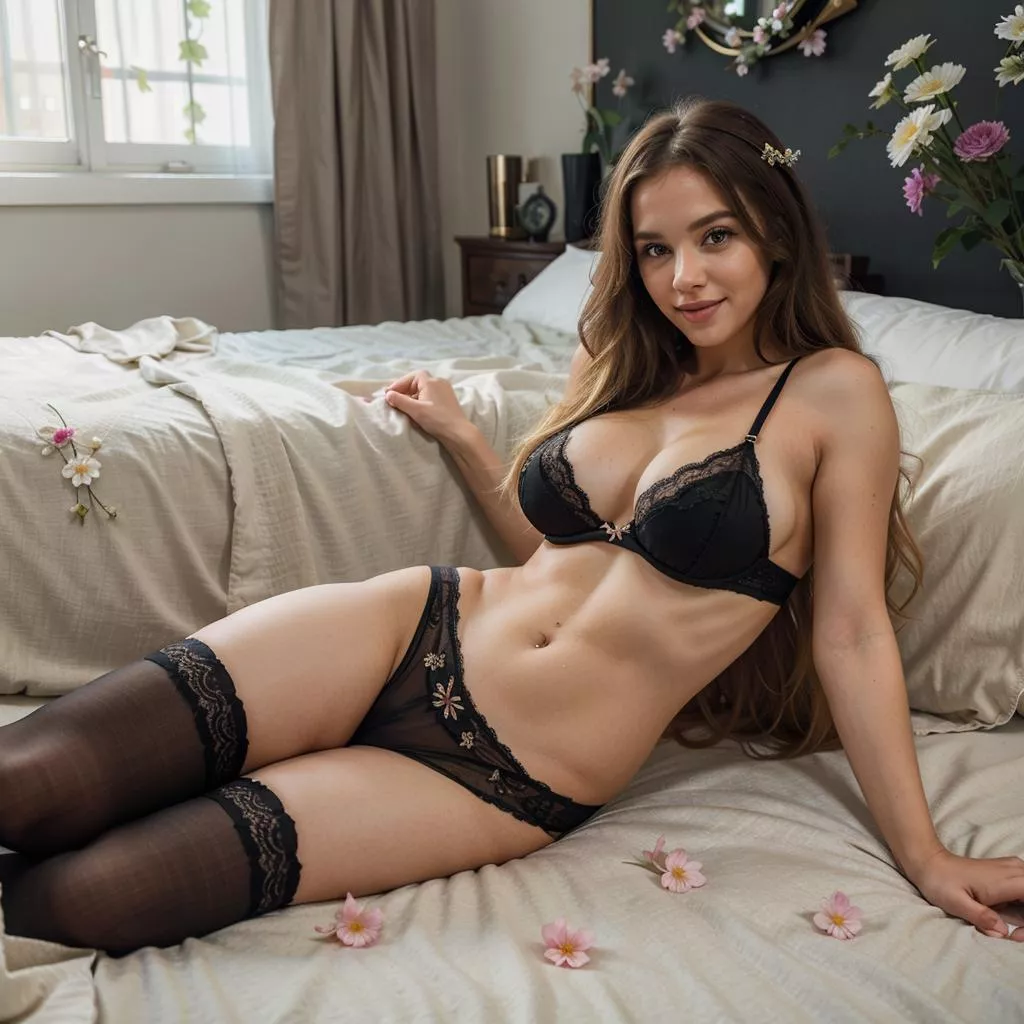
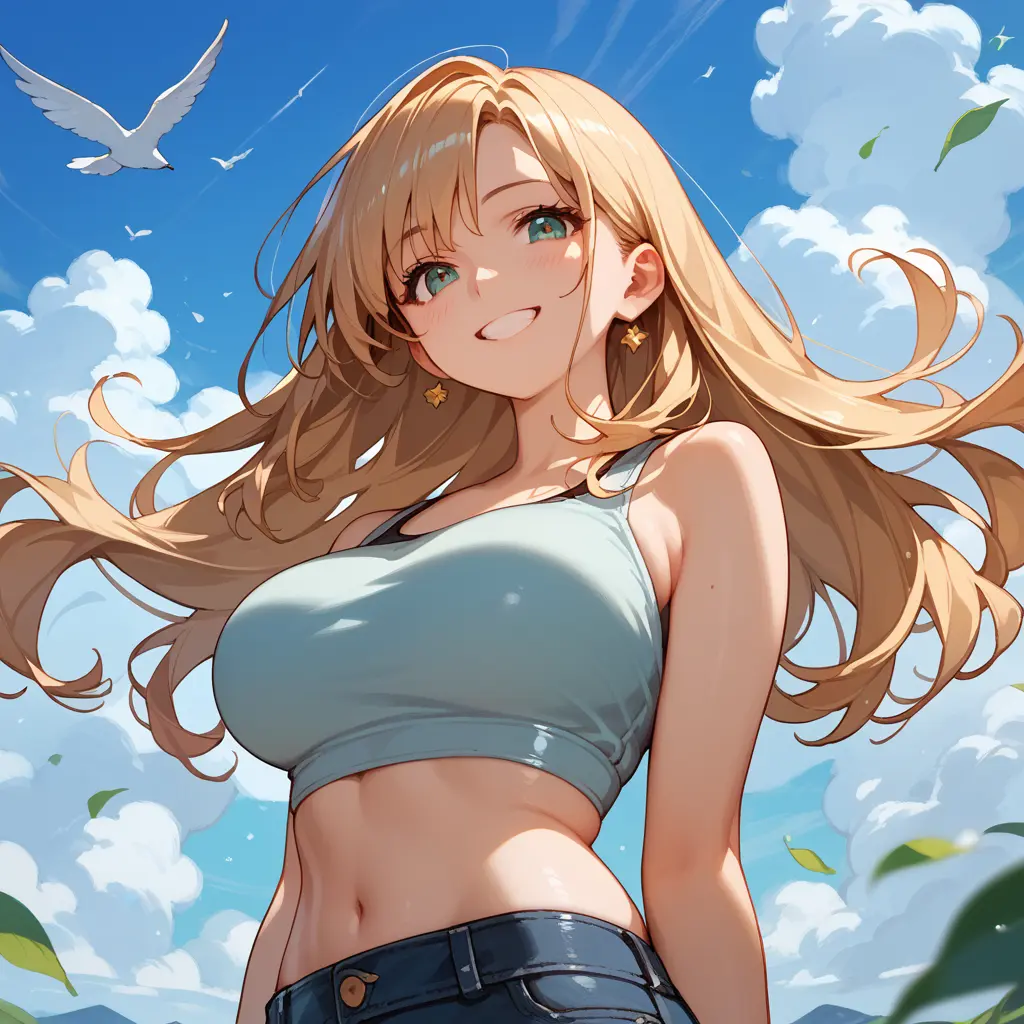
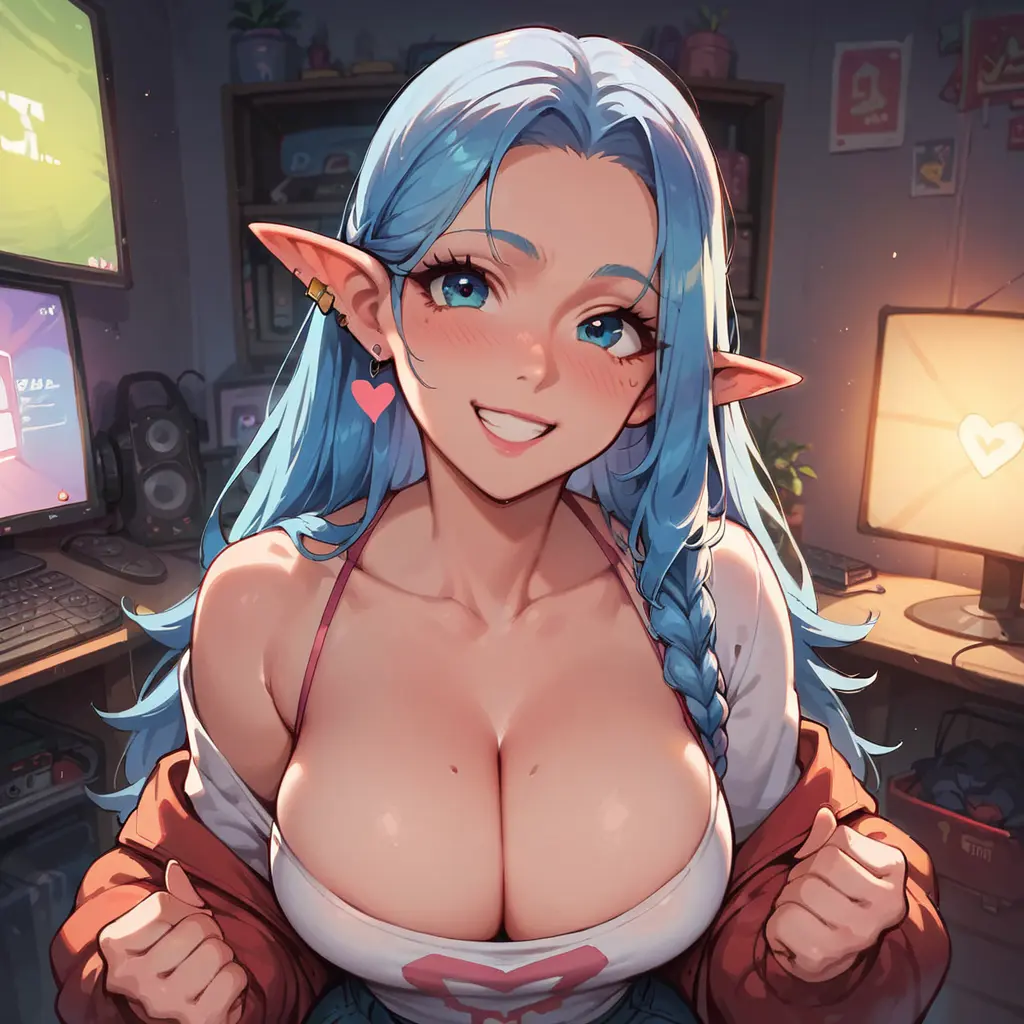
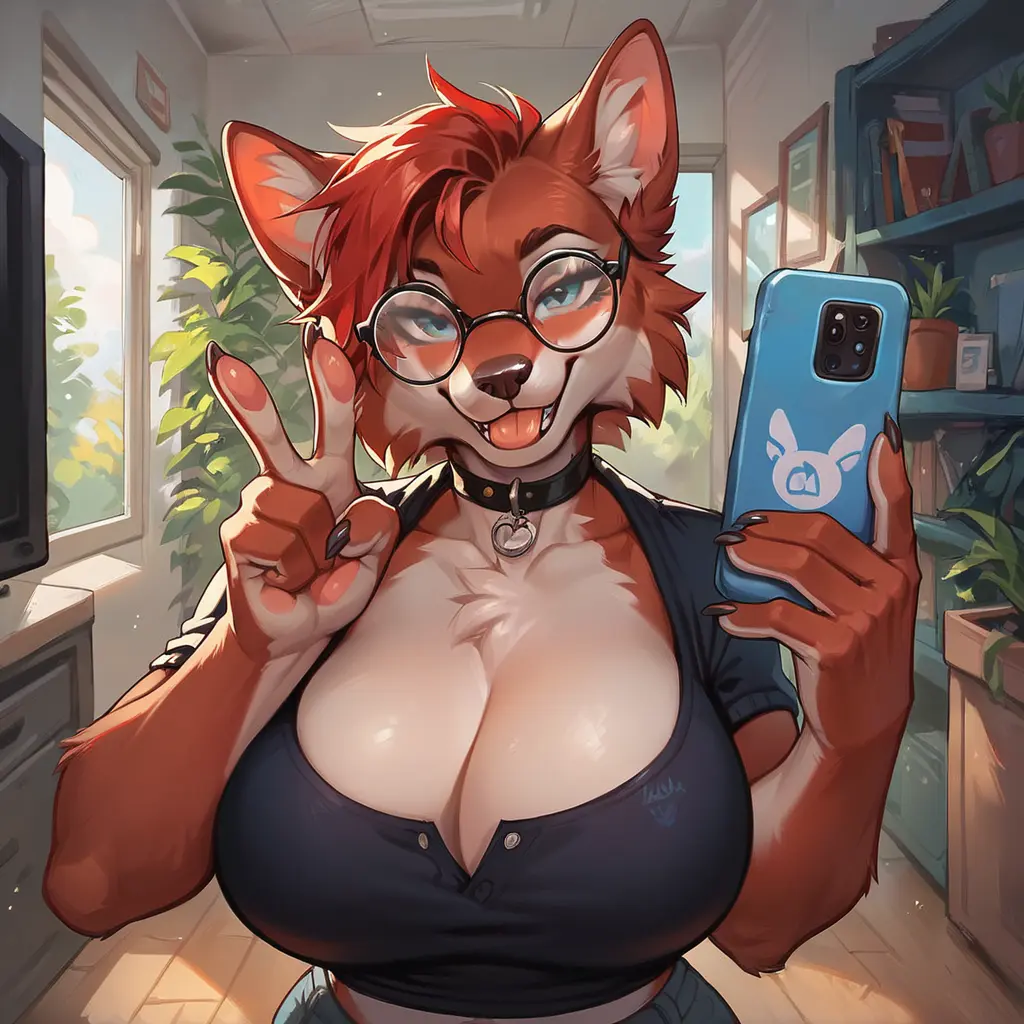
- Single image: 6 coins · Batch of 4: 15 coins 37% off
- Full models (Realism, Art, Anime, Furry): tags for pose, scene & style + batch mode
- Prompt-only models: write a text description — great for stylised or niche aesthetics
Gemini 3 Pro (Nano Banana Pro) - 이미지 생성
모범 사례
- Describe scenes, don't just list keywords: Use narrative descriptions instead of disconnected words
- Be hyper-specific: Instead of "armor," say "ornate elven plate armor, etched with silver leaf patterns, with a high collar"
- Use camera terminology: "wide-angle shot," "macro shot," "85mm portrait lens with bokeh"
- Iterate and refine: Follow up with "can you make the lighting a bit warmer?"
예시 프롬프트 및 결과
"A photorealistic close-up portrait of an elderly Japanese ceramicist with deep, sun-etched wrinkles and a warm, knowing smile. He is carefully inspecting a freshly glazed tea bowl. The setting is his rustic, sun-drenched workshop. The scene is illuminated by soft, golden hour light streaming through a window, highlighting the fine texture of the clay. Captured with an 85mm portrait lens, resulting in a soft, blurred background (bokeh). The overall mood is serene and masterful. Vertical portrait orientation."

"A kawaii-style sticker of a red panda with a cute expression, bold clean outlines, simple cel-shading, pastel colors, transparent background perfect for stickers"

"A high-resolution, studio-lit product photograph of a minimalist ceramic coffee mug in matte black, presented on a polished concrete surface. The lighting is a three-point softbox setup designed to create soft, diffused highlights and eliminate harsh shadows. The camera angle is a slightly elevated 45-degree shot to showcase its clean lines. Ultra-realistic, with sharp focus on the steam rising from the coffee. Square image."

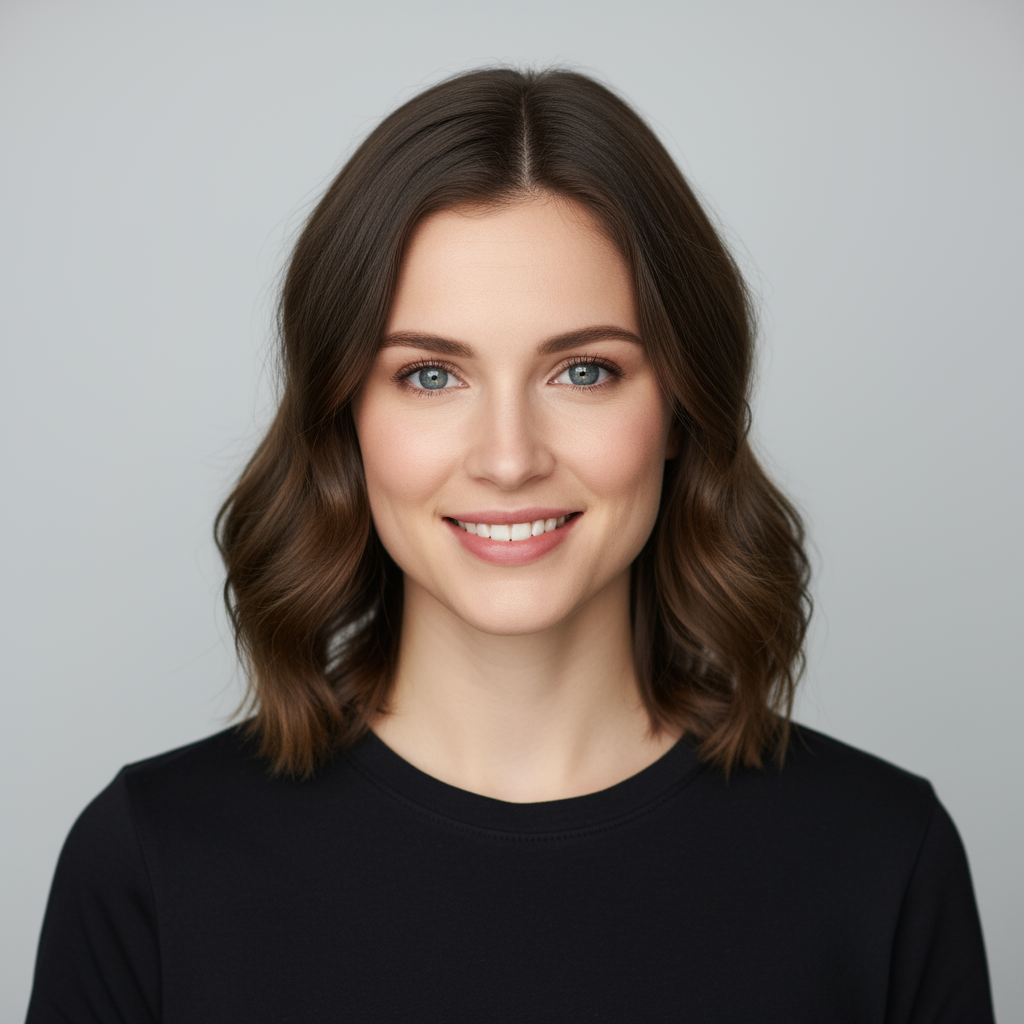
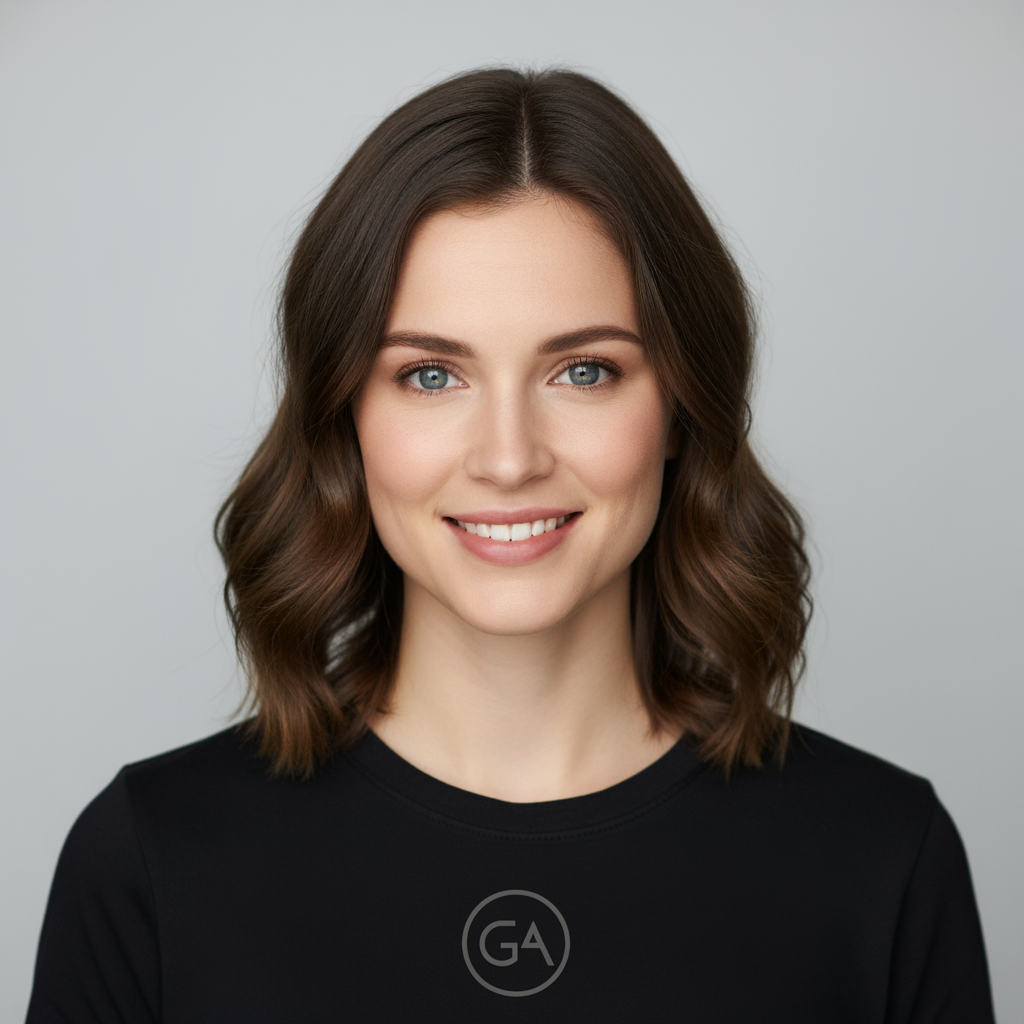
"Take the first image of the woman with brown hair, blue eyes, and a neutral expression. Add the logo from the second image onto her black t-shirt. Ensure the woman's face and features remain completely unchanged. The logo should look like it's naturally printed on the fabric, following the folds of the shirt."

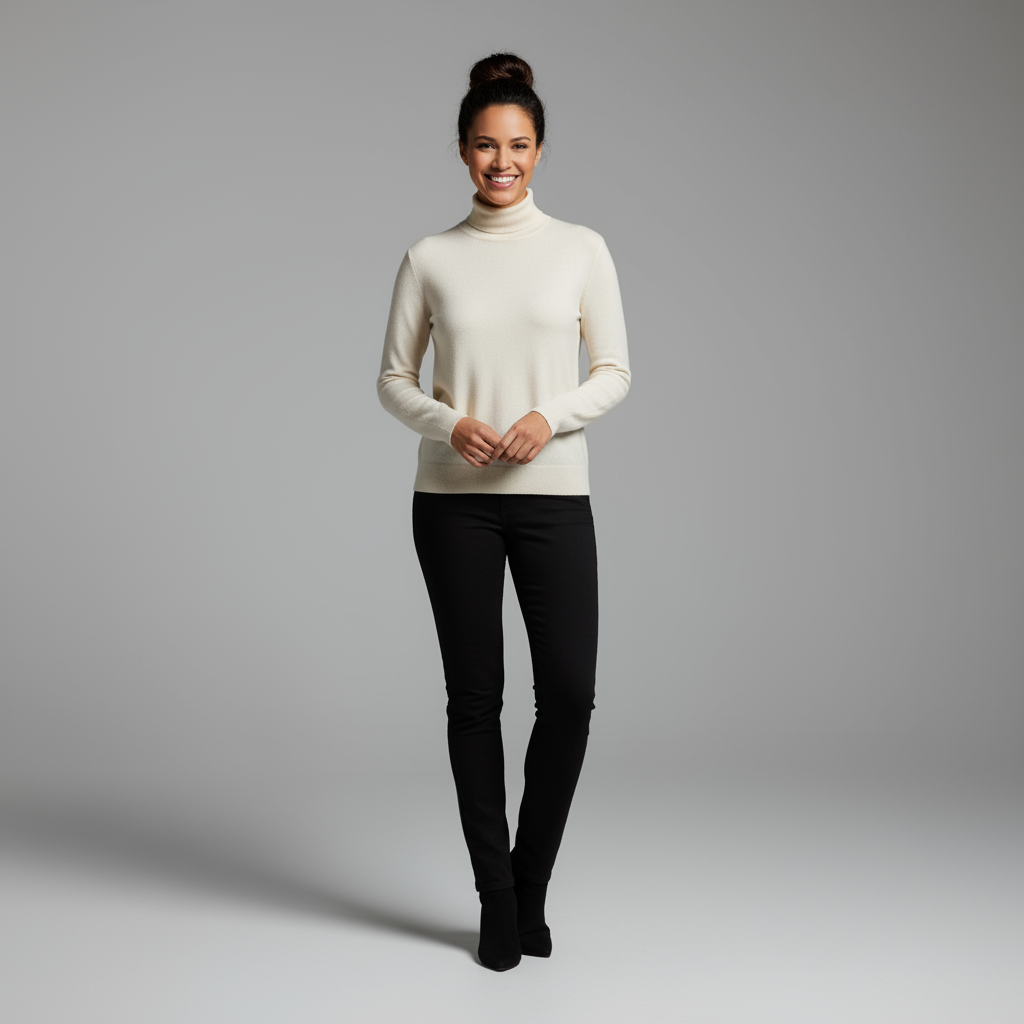
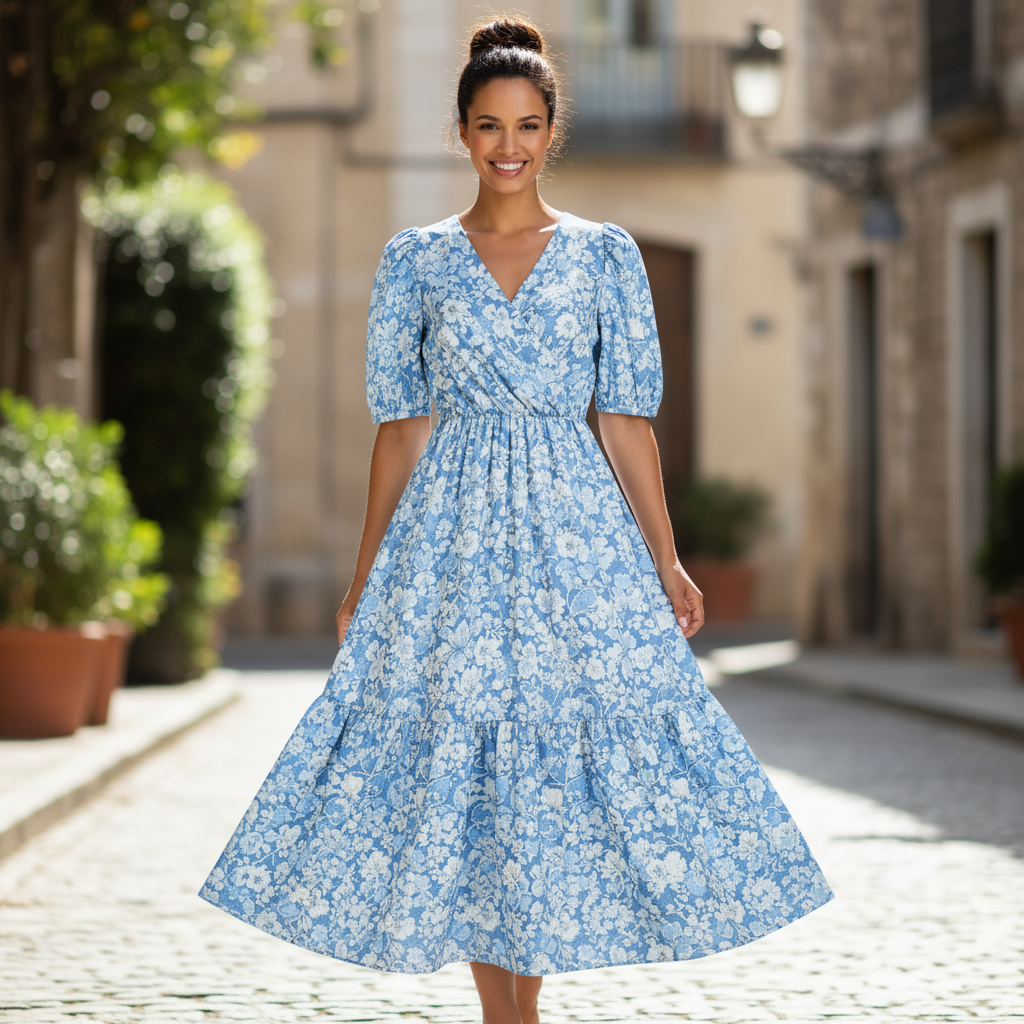
"Create a professional e-commerce fashion photo. Take the blue floral dress from the first image and let the woman from the second image wear it. Generate a realistic, full-body shot of the woman wearing the dress, with the lighting and shadows adjusted to match the outdoor environment."

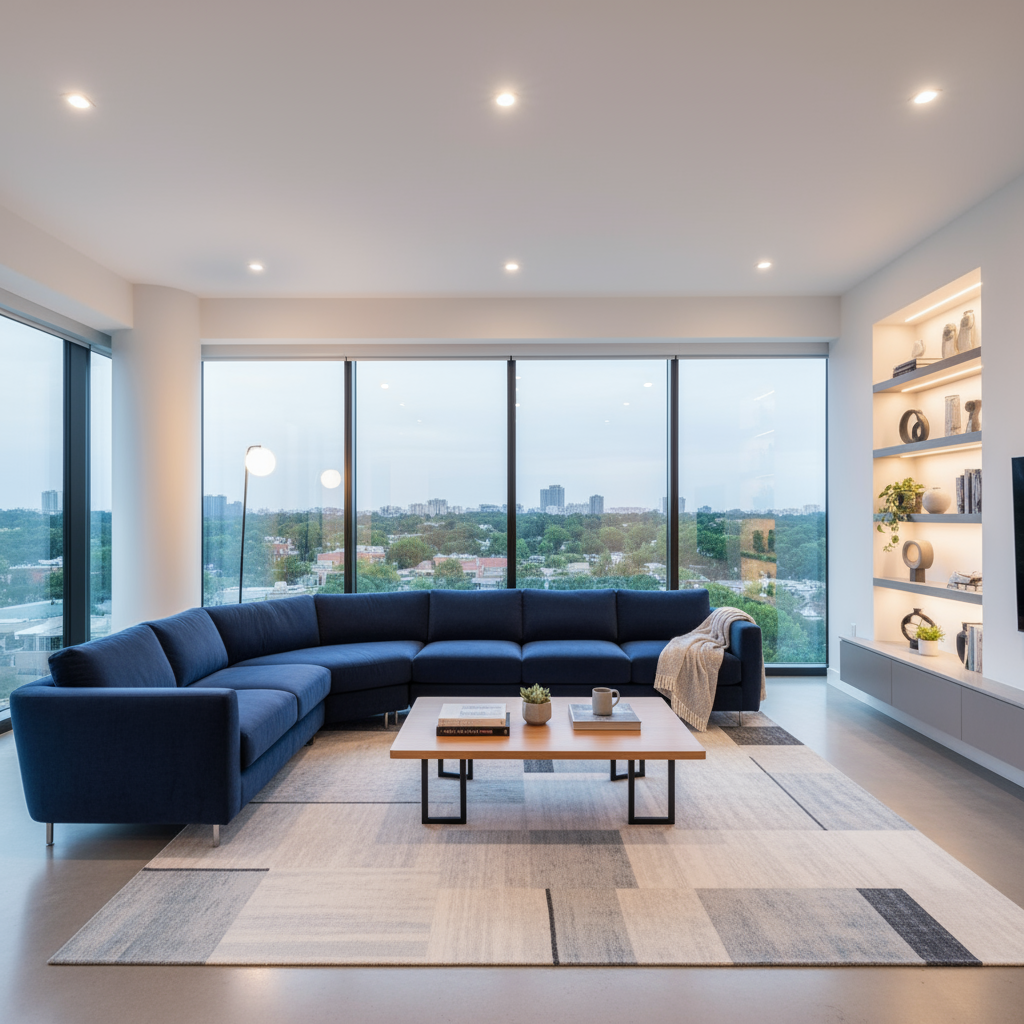
"Using the provided image of a living room, change only the blue sofa to be a vintage, brown leather chesterfield sofa. Keep the rest of the room, including the pillows on the sofa and the lighting, unchanged."

"Using the provided image of my cat, please add a small, knitted wizard hat on its head. Make it look like it's sitting comfortably and matches the soft lighting of the photo."
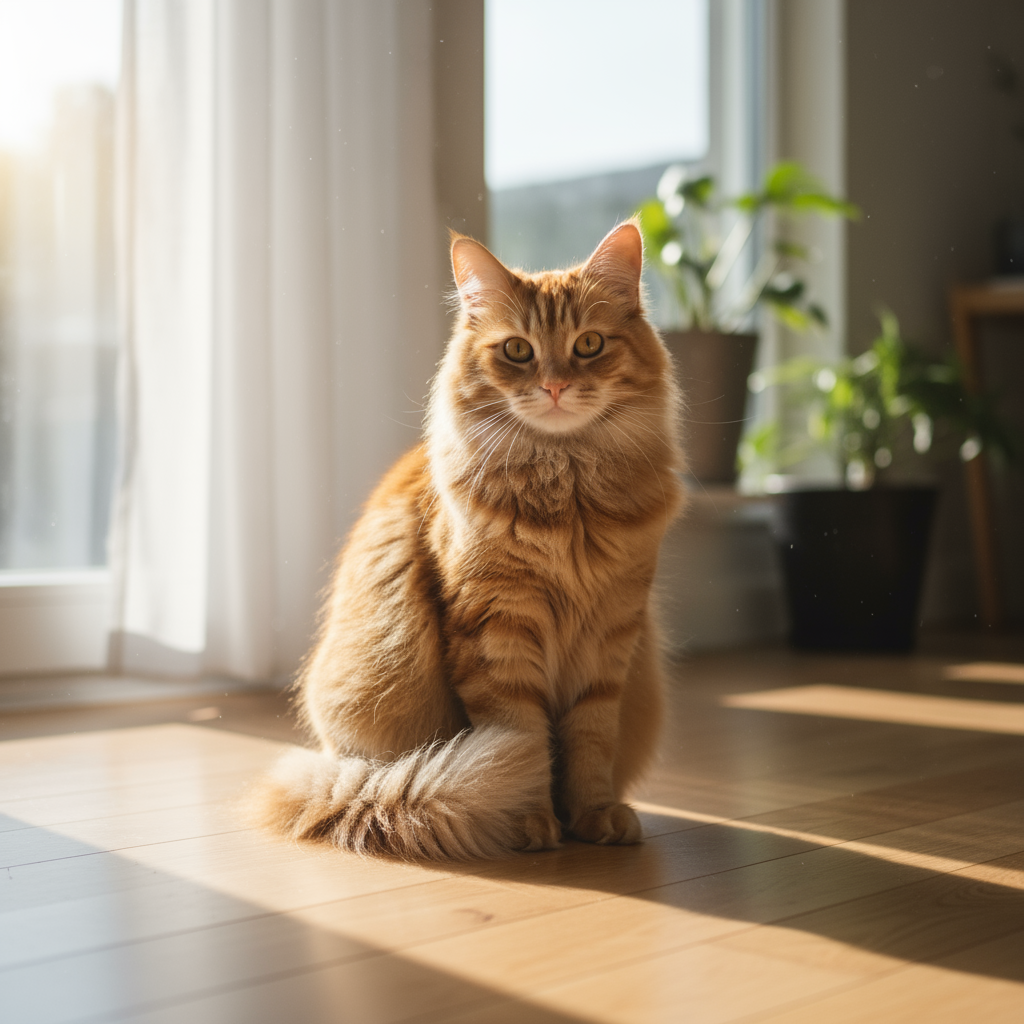

💡 Pro Tip: Gemini 3 Pro excels at multi-image editing and combining elements from different sources. Be specific about which elements to keep unchanged and how to blend new additions naturally.
Imagen 4.0 - Advanced Image Generation
프롬프트 구조
A good Imagen prompt is descriptive and clear, making use of meaningful keywords and modifiers. Start by thinking of your subject, context, and style:
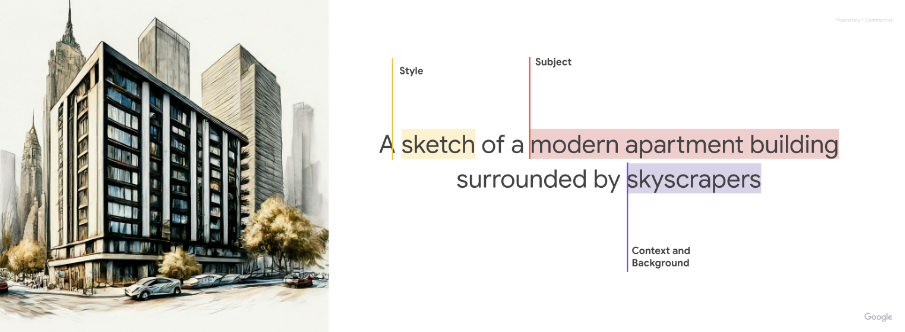
- Subject: What you want to create
- Context: Where it appears and the setting
- Style: How it should look (photography style, mood, aesthetic)
더 나은 결과를 위한 주요 수식어
- Lighting: natural lighting, dramatic lighting, golden hour, warm tones, cool tones
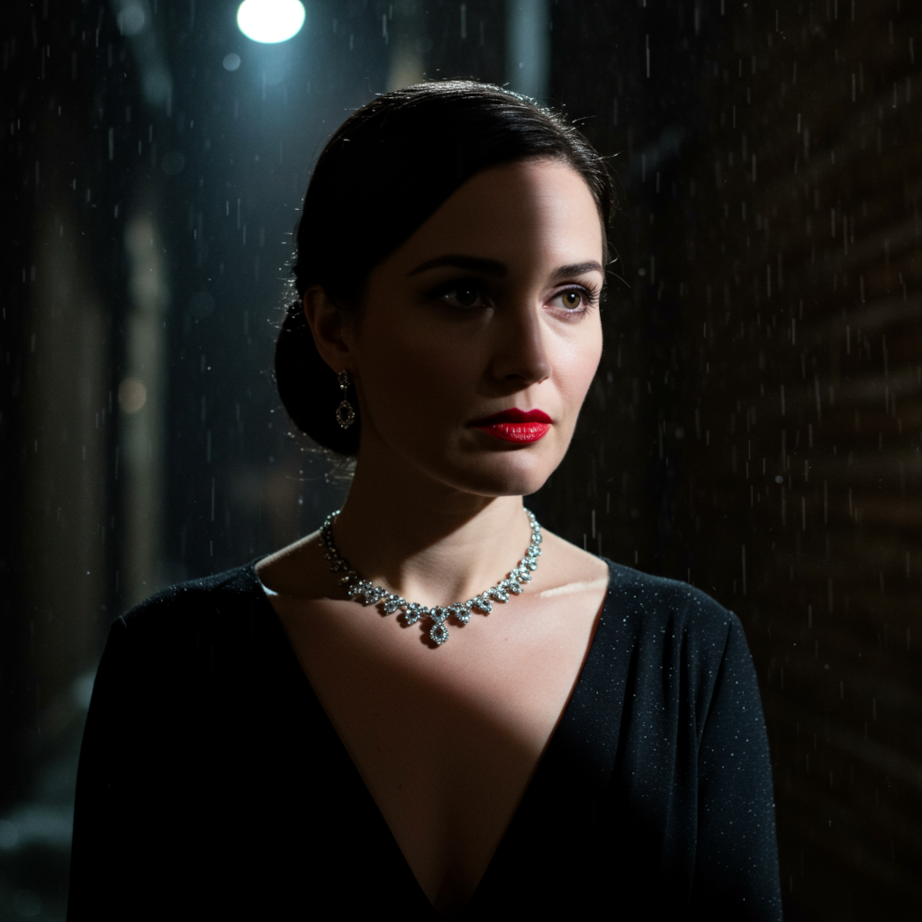
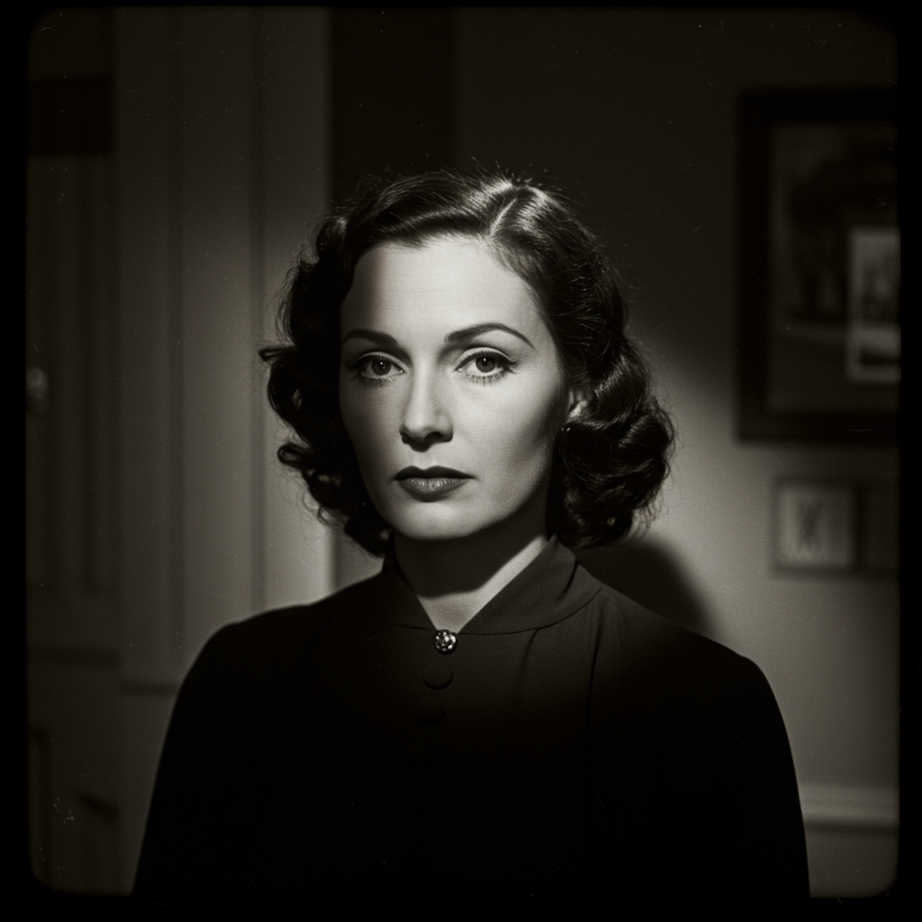
- Photography styles: close-up photo, street photography, studio photo, movie still, portrait, film noir
- Camera/lens details: 35mm portrait, macro, wide-angle, bokeh
- Mood & atmosphere: muted orange warm tones, cinematic, captivating, moody
진행: 짧은 프롬프트에서 상세한 프롬프트로
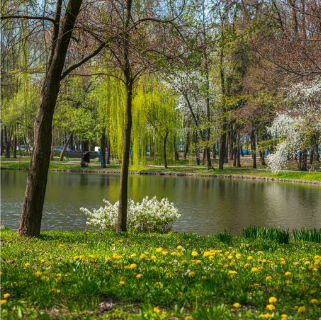
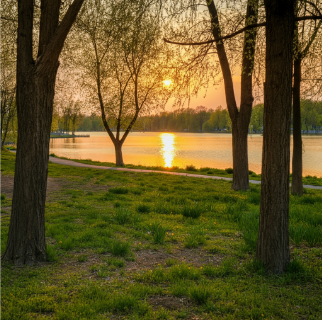
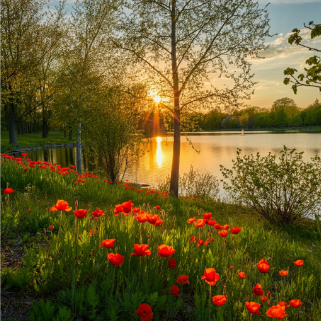
사진 스타일 예시
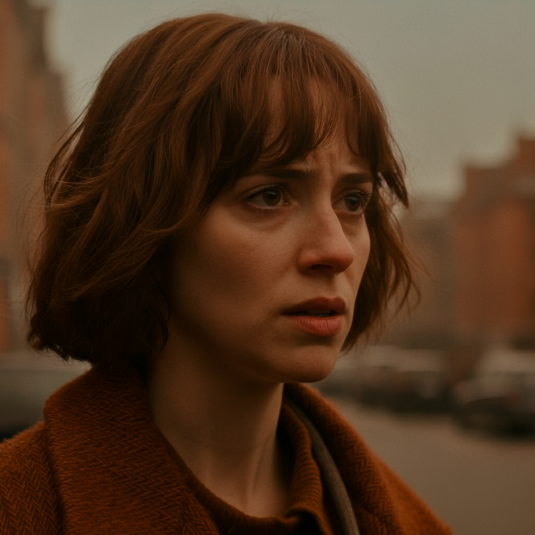
"close-up photo of a woman in her 20s, street photography, movie still, muted orange warm tones"
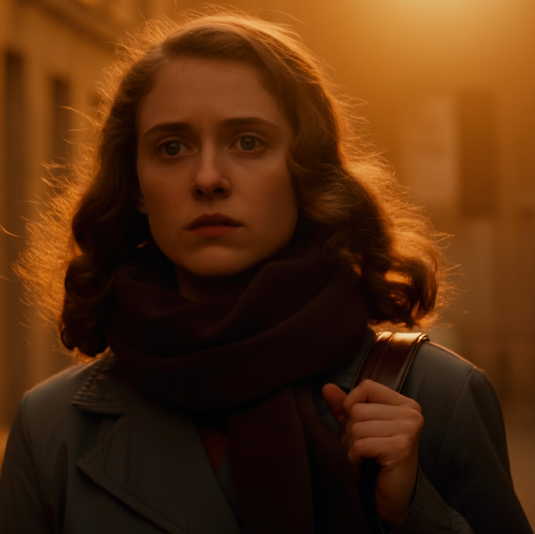
"captivating photo of a woman in her 20s utilizing a street photography style. The image should look like a movie still with muted orange warm tones."
조명 비교
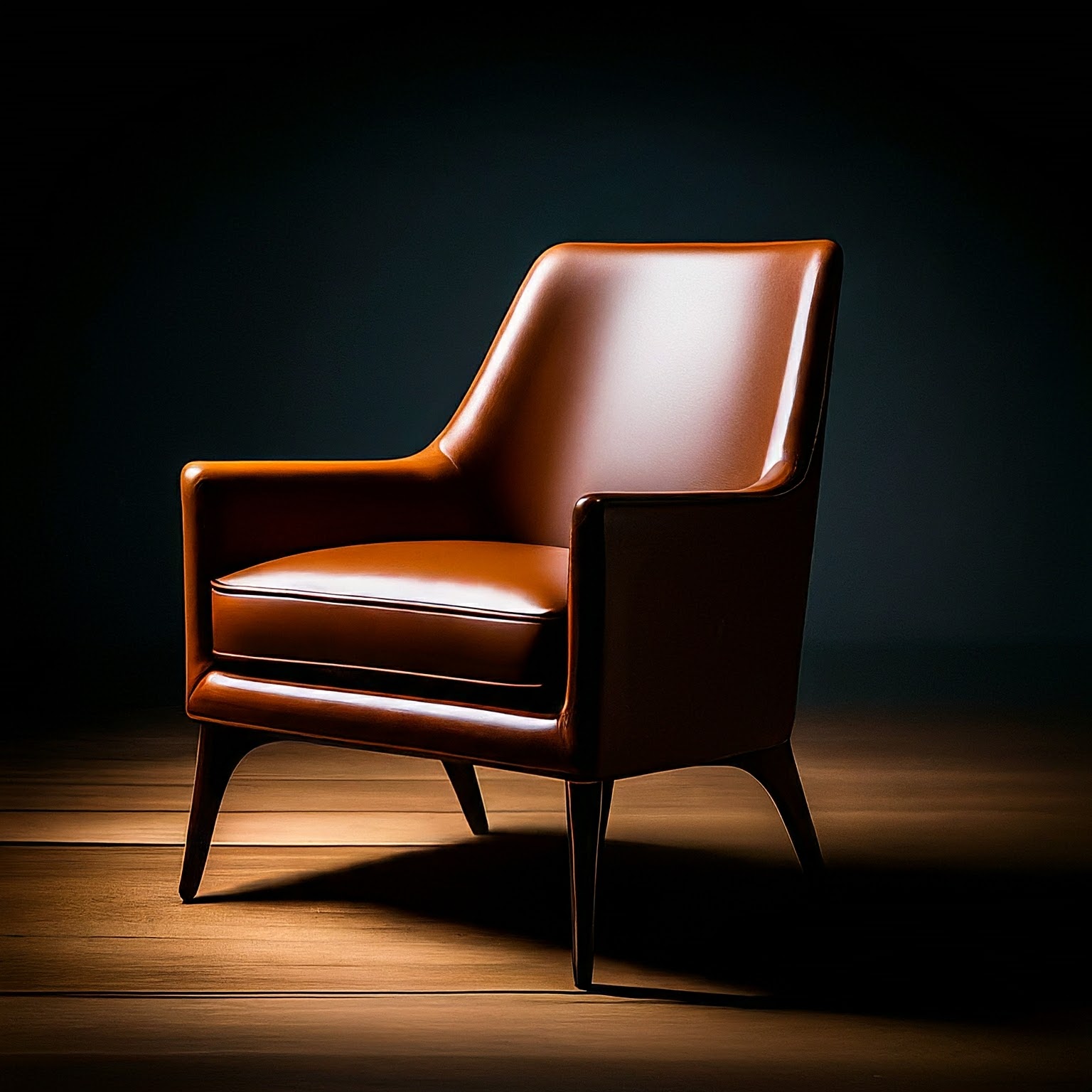
"studio photo of a modern arm chair, natural lighting"
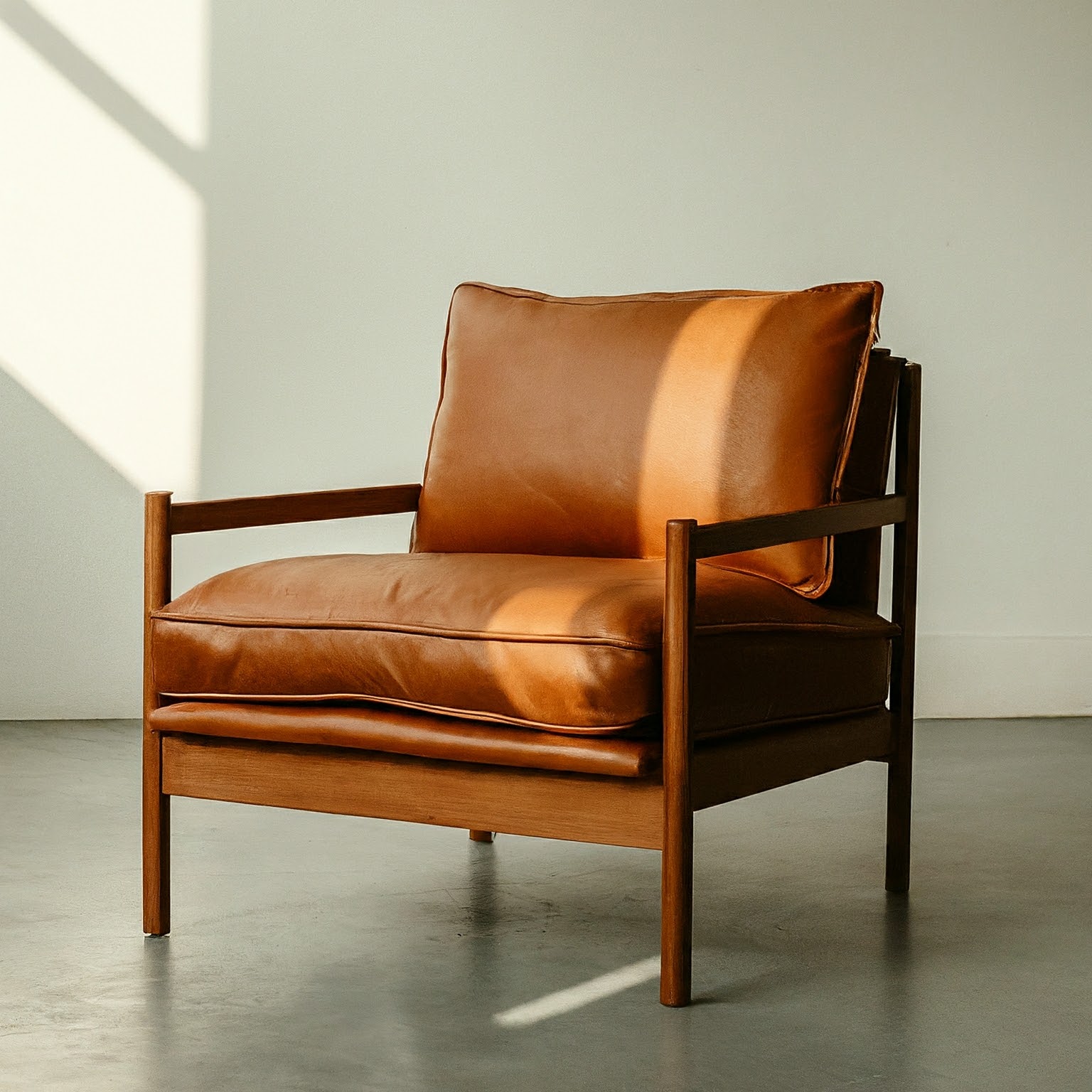
"studio photo of a modern arm chair, dramatic lighting"
스타일 변형 - 필름 누아르
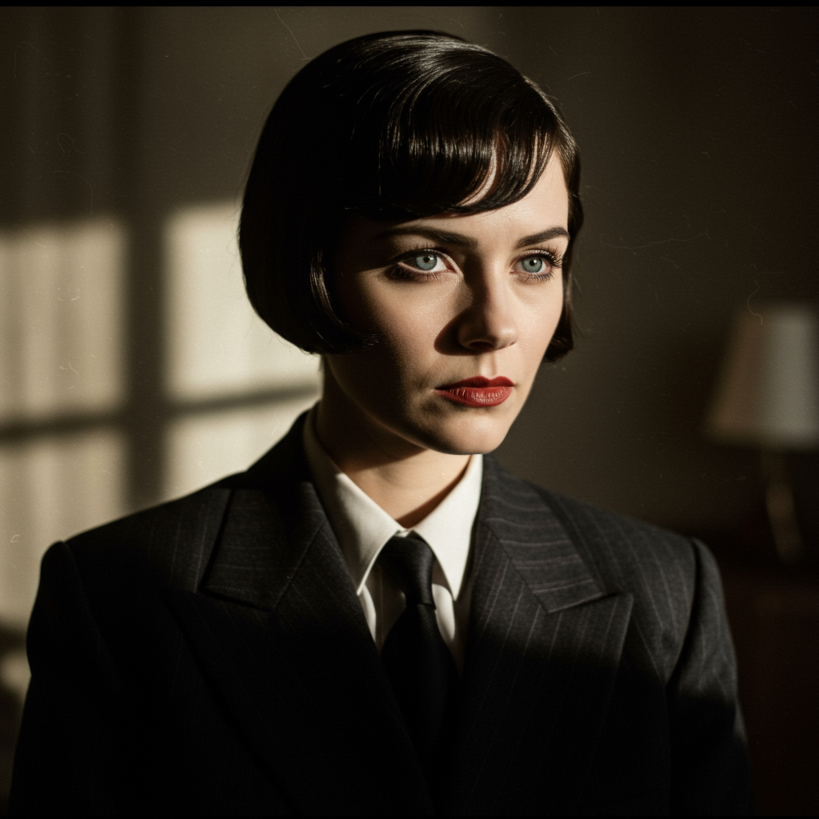
이미지 내 텍스트
⚡ Pro Tips: More detailed prompts generally produce more refined results. Use specific descriptors for subject, context, and style. Layer in photography terms like lighting conditions, camera angles, and mood. Experiment with different levels of detail to find what works best for your needs.
Veo 2.0 & 3.1 - Video Generation (720p, 1080p, 4K)
필수 프롬프트 구성 요소
- Subject: Objects, people, or scenery
- Action: What the subject does (walking, running, interacting)
- Style: Aesthetic direction (cinematic, film noir, sci-fi, animated)
- Camera Work: Shot types and movement (dolly shot, aerial view, POV, tracking)
- Ambiance: Lighting and color (warm sunlight, cool blue tones, dramatic shadows)
- Audio: Describe sounds, dialogue, and ambient noise
대화 형식 지정
To avoid unwanted subtitles, use colons instead of quotes:
"A man says: My name is Ben (no subtitles)"
"A man says 'My name is Ben'"
"Close-up of two people staring at a cryptic drawing on a wall, torchlight flickering. A man murmurs: This must be it. That's the secret code. The woman looks at him and whispering excitedly: What did you find?"
예시 프롬프트 및 결과
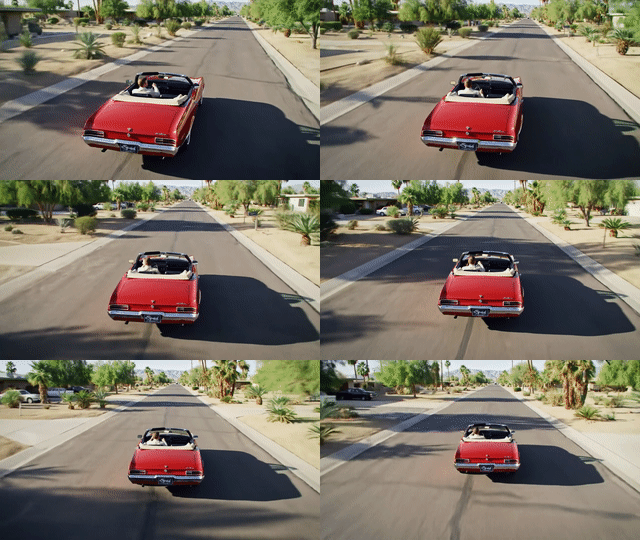
"Wide cinematic shot of palm trees swaying in a desert landscape at golden hour, warm lighting, gentle wind rustling through fronds, peaceful ambient sounds"
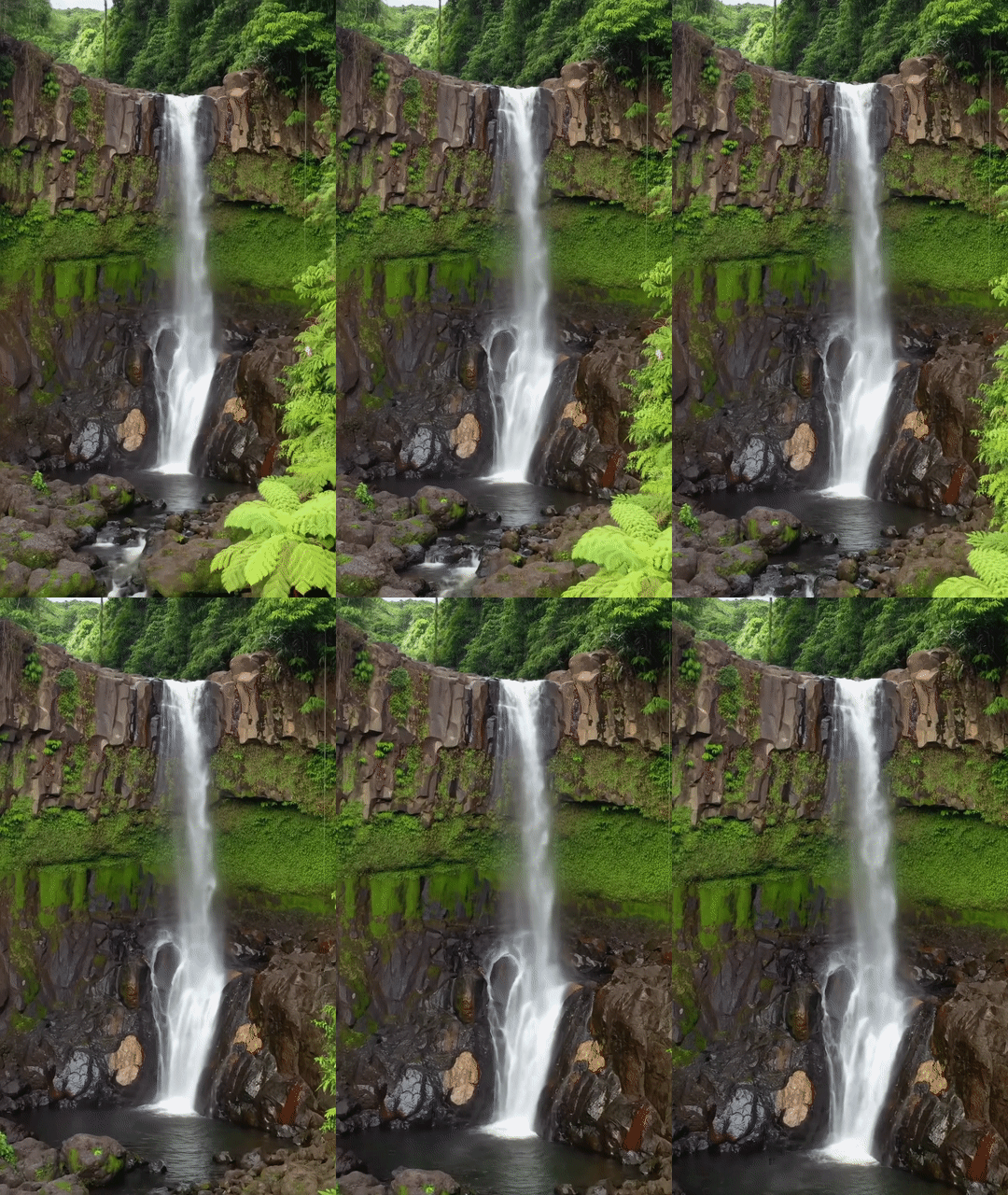
"Beautiful waterfall cascading down mossy rocks in a lush forest, misty atmosphere, sound of rushing water, birds chirping in the background"
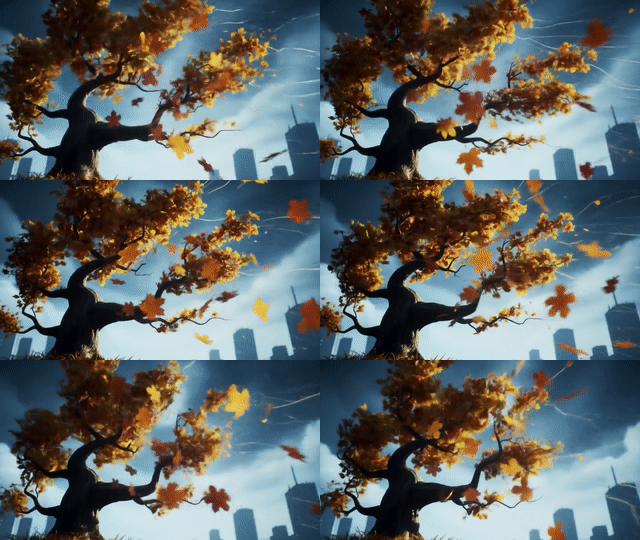
"Lone tree in a foggy landscape, moody atmosphere, cool blue tones, mysterious ambiance, gentle wind sounds"
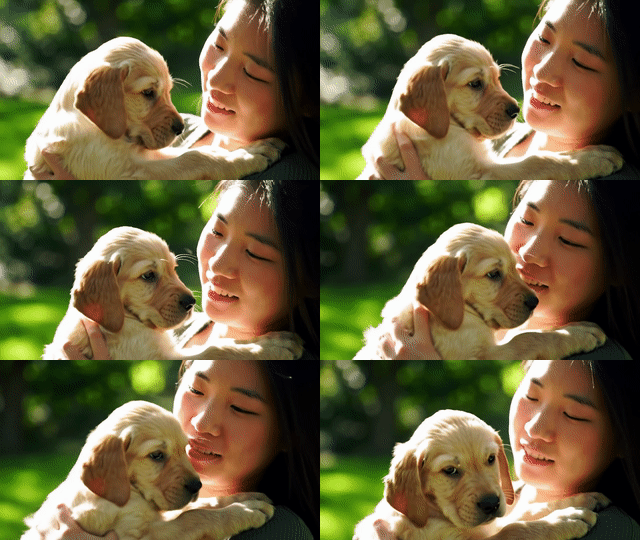
"Cute puppy running through a sunny meadow, happy mood, bright colors, playful energy, cheerful background music"
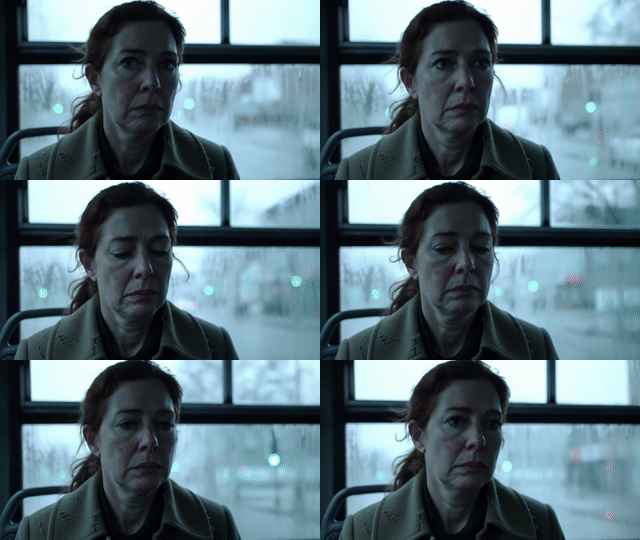
"Person sitting alone in dimly lit room, melancholic atmosphere, cool tones, dramatic shadows, soft piano music, distant rain sounds"
텍스트-비디오 생성
Veo transforms text prompts into high-quality videos with dialogue, sound effects, and cinematic realism.
대화 및 음향 효과
시네마틱 사실성
창의적인 애니메이션
이미지-비디오 생성
Transform static images into dynamic videos. Upload a reference image and describe the motion, camera work, and atmosphere you want to create.
The video opens with a medium, eye-level shot of a beautiful woman with dark hair and warm brown eyes. She wears a magnificent, high-fashion flamingo dress with layers of pink and fuchsia feathers, complemented by whimsical pink, heart-shaped sunglasses. She walks with serene confidence through the crystal-clear, shallow turquoise water of a sun-drenched lagoon. The camera slowly pulls back to a medium-wide shot, revealing the breathtaking scene as the dress's long train glides and floats gracefully on the water's surface behind her. The cinematic, dreamlike atmosphere is enhanced by the vibrant colors of the dress against the serene, minimalist landscape, capturing a moment of pure elegance and high-fashion fantasy.


보간 - 첫 번째 및 마지막 프레임 사용
Create smooth transitions between two images by providing a first frame and last frame. Veo generates the in-between frames to create a seamless video transition.


Essential Prompt Components
- Subject & Action: What's happening in the scene (people walking, car driving, robot gardening)
- Camera Work: Shot types and movement (drone shot, close-up, tracking shot, aerial view)
- Style: Visual aesthetic (cinematic, stop-motion animation, realistic, stylized)
- Lighting & Atmosphere: Time of day, mood, weather (sunset, torchlight, golden hour)
- Audio: Dialogue, sound effects, ambient sounds (engine roaring, waves crashing, whispering)
🎬 Pro Tips: Keep dialogue short (~8 seconds maximum). Layer multiple audio elements (dialogue, ambient sounds, music). Specify camera movements (dolly shot, drone view, tracking shot). Add "(no subtitles)" if you want dialogue without text overlay. Be specific about camera movements, sound details, and atmosphere. For image-to-video, describe the motion you want to see from the static image. Choose resolution: 720p (standard), 1080p HD (8s only), or 4K premium (8s only, higher cost). Choose aspect ratio: 16:9 (widescreen) or 9:16 (portrait)
Fast 3D - 이미지를 3D 모델로
소스 이미지에 대한 모범 사례
- Clear subject: Single object with clear edges and definition
- Good lighting: Even lighting without harsh shadows
- Clean background: Solid or simple backgrounds work best
- Multiple angles: Front-facing objects convert more accurately
- High contrast: Clear distinction between object and background
잘 작동하는 것
- Products and objects (shoes, furniture, gadgets)
- Characters and creatures (toys, figurines)
- Architectural elements (buildings, structures)
- Vehicles (cars, bikes, spacecraft)
출력 형식
- GLB: Best for web and AR applications, includes textures
- STL: Perfect for 3D printing, geometry only
예시: 이미지를 3D로 변환

💡 Workflow Tip: Generate your ideal product image with Imagen 4.0 first, then convert it to 3D with Fast 3D for consistent, high-quality 3D assets. The resulting 3D models can be viewed in any GLB viewer or imported into 3D software like Blender.